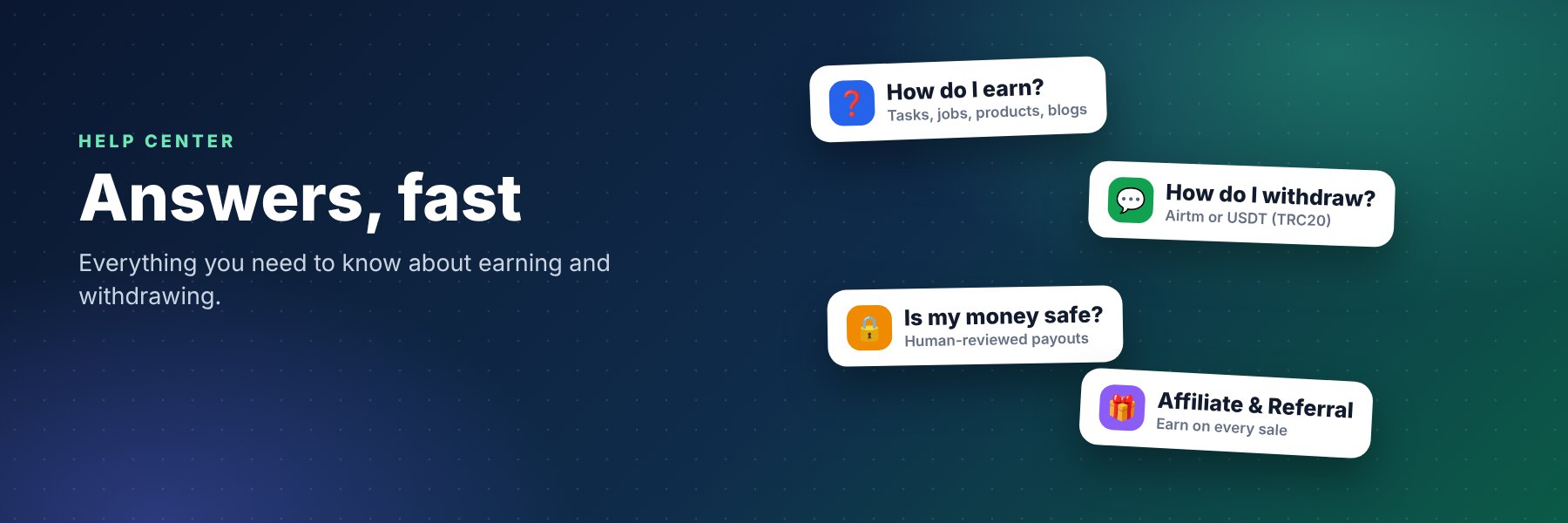
Find quick answers about joining, earning, the wallet, withdrawals, the marketplace and account safety. Cannot find yours? Contact us.
Getting started
Is FreelanceTeck free to join?
Yes. Creating an account is free. Free, Pro and Premium plans give different monthly limits for tasks, jobs and blog posts.
Can I join from any country?
FreelanceTeck is open to freelancers and businesses worldwide. Your wallet is in US dollars for everyone. Payout methods can depend on what works in your country. See our global freelancing page.
Do I need to verify my email?
Yes, to post tasks, jobs, blogs or products and to withdraw. Check your inbox and spam folder for the verification email.
I did not get an email. What should I do?
Wait a few minutes, check spam, then contact support from the contact page.
Can I change my profile photo and saved wallet?
Yes. Open My Profile to upload a photo and save your Airtm email or USDT address. The saved wallet is only a suggestion; you can choose another method each time.
Why am I always signed in?
You stay signed in on your device until you sign out, so you do not need to log in again. Use Log out on shared devices.
Earning
How do I earn money?
Complete microtasks, win remote jobs, sell digital products, publish blogs that earn from genuine views, or use the Affiliate and Referral programs. Earnings go to your wallet in USD.
Why was my task or job not approved?
Every task, job and blog is reviewed first. If it is rejected you will see the reason, can fix it and submit it again.
What if the task owner does not review my submission?
After 7 days the submission is approved automatically and you are paid.
Can I fix a rejected submission?
If the owner allows it, you can edit and resubmit your proof within the time shown on the task.
Who pays me for a remote job?
Clients and freelancers agree on the work and payment between themselves. FreelanceTeck is the place where they meet.
How do the Affiliate and Referral programs work?
Create your personal product link on the Affiliate page and earn a share of every sale it brings. Invite friends from the Referral page and earn a bonus when each one earns $5. Both are paid automatically to your wallet.
Wallet, deposits and withdrawals
How do I add money to my wallet?
Open Wallet, choose Airtm, Binance Pay or USDT (TRC20), send the payment to the account shown there and submit your transaction ID. The minimum deposit is $1. We add the money after we confirm it.
How do withdrawals work?
Request a withdrawal from Wallet. The minimum is $5. You can withdraw to Airtm or USDT (TRC20). Our team reviews each request before paying it. Read the full how to withdraw guide.
My wallet is not listed. Can you add it?
Tell us which wallet you use through a support ticket or the contact page. We add methods based on what members need.
What is USDT TRC20?
USDT is a dollar stablecoin and TRC20 is the TRON network it travels on. A TRC20 address starts with a capital T and has 34 characters.
Marketplace
What can I sell in the marketplace?
Templates, courses, e-books, code, design files, spreadsheets and more. You can upload files of any type, add several cover pictures or deliver by link only.
How much do sellers keep?
Sellers receive the price minus the marketplace commission set by the platform. Affiliate shares are paid from the commission, not from the seller.
Account and safety
Is my data safe?
We use HTTPS, hashed passwords and private file storage, and we do not sell personal data. See the Privacy Policy.
How do I contact support?
Use the contact page, open a support ticket or email [email protected].