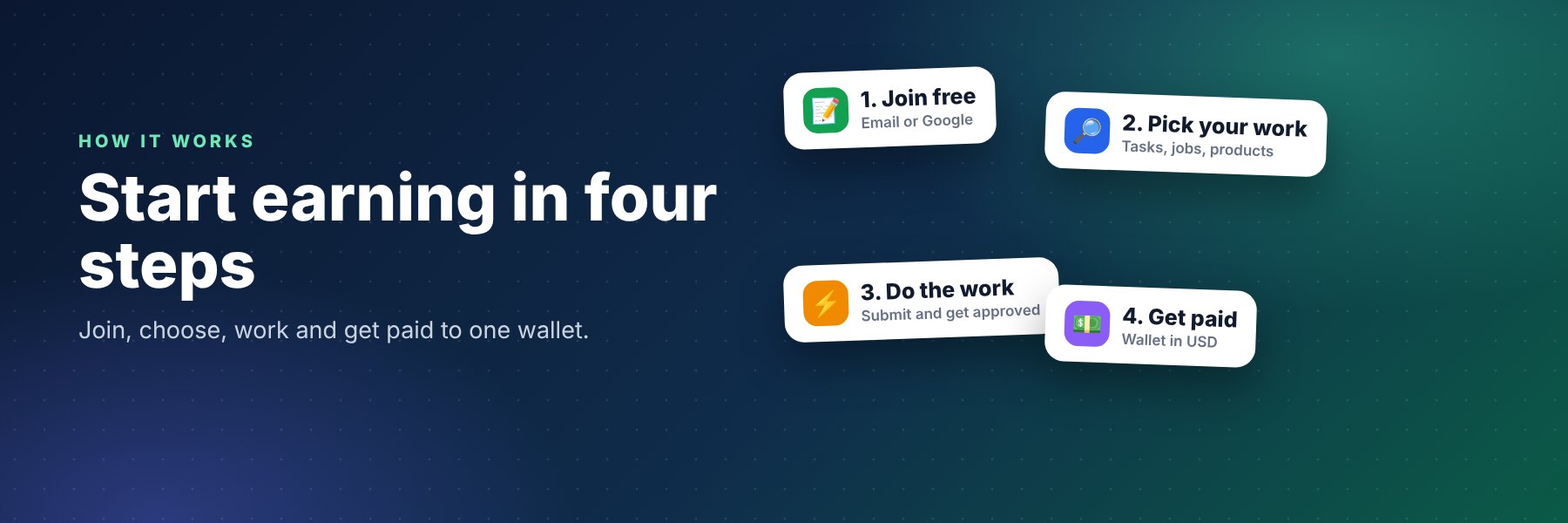
FreelanceTeck lets you earn money online, hire freelancers, sell digital products and publish blogs from one account and one wallet in US dollars. Here is the whole journey, from signing up to getting paid.
1. Create your free account
Join with your email or Google, then verify your email. Add a profile photo and save your payout wallet in My Profile. You stay signed in on your device until you sign out. Everything below uses one wallet in US dollars.
2. Earn with microtasks
Open Microtasks, pick a task, do the small action and send proof (a link or a screenshot). When the task owner approves it, the reward goes straight to your wallet. If the owner does not review it in time, it is approved automatically after 7 days. If a submission is rejected you see the reason and may be allowed to fix and resubmit.
3. Get tasks done
Post a task, set the reward and number of spots. The budget is held from your wallet and unused spots are refunded. Our team reviews every task before it goes live. Approve good work quickly, reject with a clear reason when proof is wrong.
4. Remote jobs
Browse Remote Jobs and send a proposal, or post a job for free (within your plan limit). Clients can shortlist, accept or reject proposals and contact freelancers directly. Job owners and freelancers agree on the work and payment between themselves.
5. Digital marketplace
Sell templates, courses, code and design files in the Marketplace. Upload files of any type, add several cover pictures, or deliver by link only. Buyers pay from their wallet and get the download or links straight away. The seller receives the price minus the marketplace commission of 12%.
6. Blogs
Publish posts on Blogs in any of our blog categories and earn $0.80 per 1,000 genuine English views. Posts are reviewed before they are published.
7. Affiliate program: earn 2% of product sales
Open Affiliate, paste the link of any marketplace product and get your personal link. When someone buys through it, 2% of the price goes to your wallet automatically. It comes out of the platform's commission, so the seller's earnings do not change. Your link never expires.
8. Referral program: earn $0.50 per friend
Share your personal link from Referral. When a friend who joined through it earns $5 (from tasks, product sales or blogs), you receive a $0.50 bonus in your wallet. It is paid automatically after a short review period.
9. Wallet: deposit and withdraw
Add funds from Wallet with Airtm, Binance Pay or USDT (TRC20), then send your transaction ID. After we confirm it, the money appears in your balance. Withdraw your earnings any time above $5 to Airtm or USDT (TRC20); requests are reviewed by our team. The wallet you save in your profile is only a suggestion, you can choose any method each time. Full guide: how to withdraw.
10. Plans
Free, Pro and Premium plans give more monthly tasks, jobs and blog posts. See Plans & Pricing.
Fees and limits at a glance
| Item | Amount |
|---|---|
| Joining | Free |
| Minimum deposit | $1 |
| Deposit processing fee | 5% |
| Minimum withdrawal | $5 |
| Marketplace commission | 12% (seller keeps the rest) |
| Affiliate share | 2% of each product sale |
| Referral bonus | $0.50 per friend who earns $5 |
| Microtask auto-approval | After 7 days without review |
Tips to get approved and paid faster
- Read the task instructions fully and send clear proof: a working link or a sharp screenshot.
- Never send fake, copied or edited proof. It leads to rejection and can lead to suspension.
- Verify your email and save your payout wallet before you need to withdraw.
- Check your wallet address twice. Crypto transfers cannot be reversed.
- Stuck? Read the FAQ or contact us.